

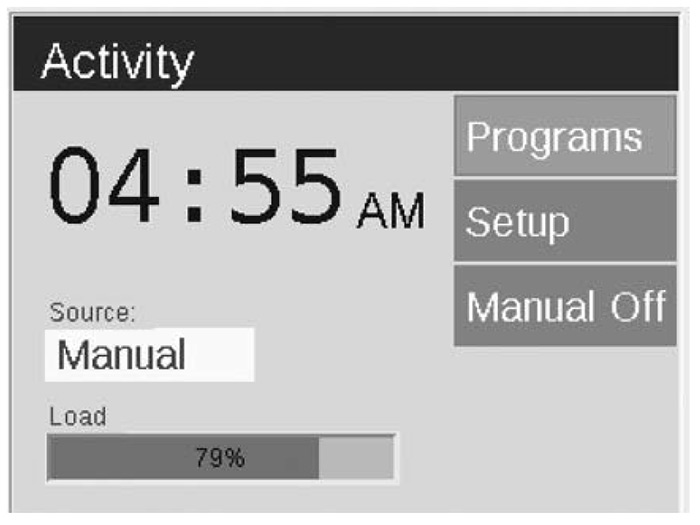
After five minutes of inactivity, an ACTIVITY screen will appear on the LCD screen if the transformer is under load. The inactivity wait time decreases to five seconds when the current screen is the HOME screen. The ACTIVITY screen displays:
- Menu options – All options are selectable from the ACTIVITY screen
- TIME – Current time
- SOURCE – Source of Activity (i.e., Manual operation or Scheduled operation)
- LOAD – System load displayed as a percentage
The HOME screen is accessible by pressing the BACK button on the facepack.
Still need help? We're here.
Tell us what you need support with and we'll find the best solution for you.